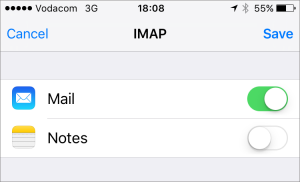
The below article will elaborate on configuring your custom email address on your iOS device (iPhone or iPad).
This is a POP account setup, for differences between POP and IMAP see IMAPvsPOP.
Steps to setup mailbox:
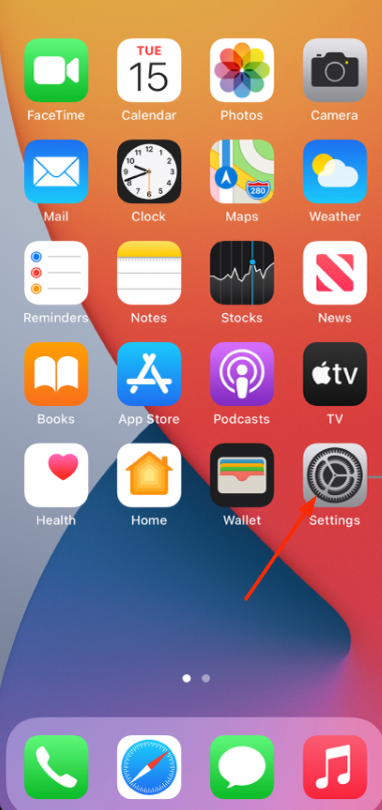
1.) Open the settings menu on your device (System preferences)
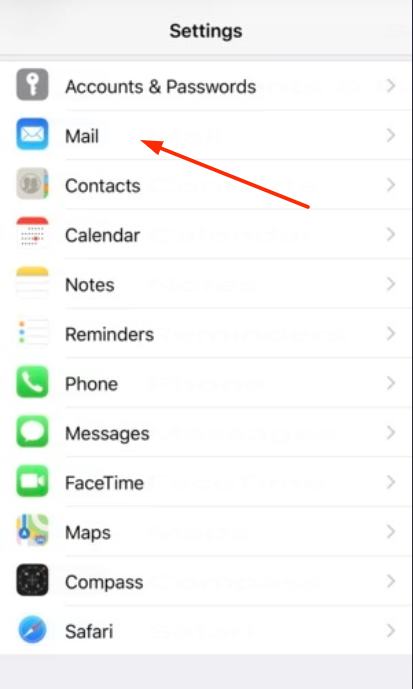
2.) Click on "Mail"
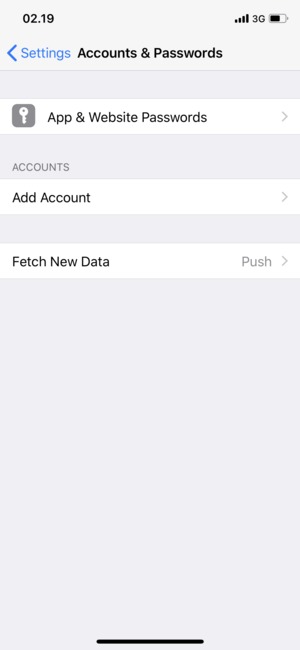
3.) Select "Add Account"
4.) Choose account type as "Other"
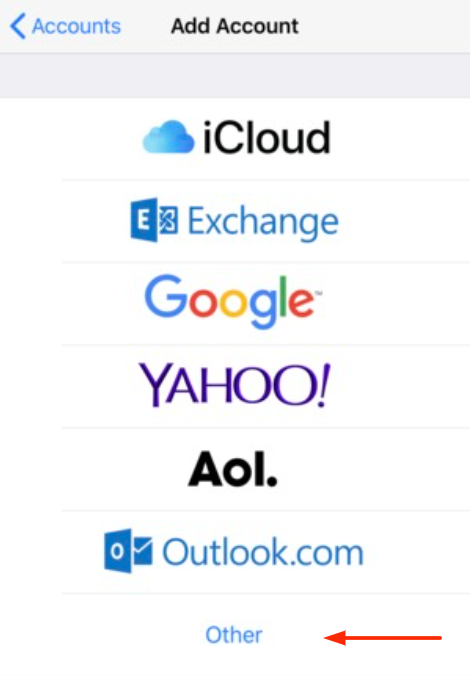
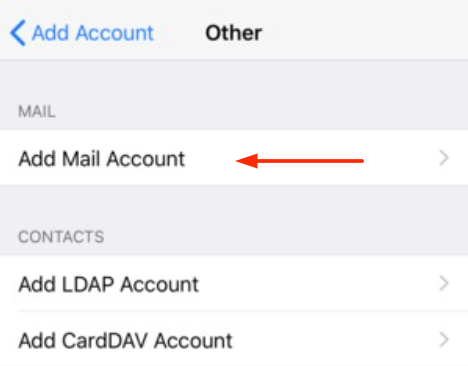
5.) Select "Add mail account"
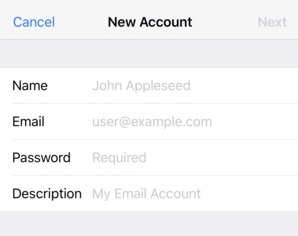
6.) On the new account page specify the following:
i.) Username - you@yourdomainhere.africa
ii.) Email Address - you@yourdomainhere.africa
iii.) Password: ********
iv.) Description - Optional
Select "Next"
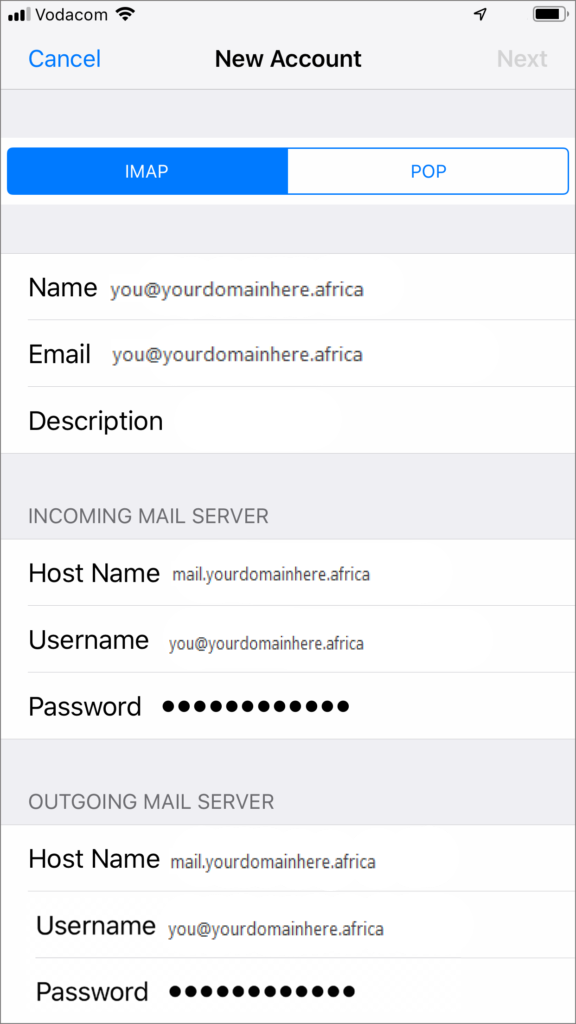
7.) On the next window specify the following settings
Type - POP
Incoming mail server
i.)Hostname - mail.yourdomainhere.africa
ii.)Username - you@yourdomainhere.africa
iii.)Password - ********
Outgoing mail server
i.)Hostname - mail.yourdomainhere.africa
ii.)Username - you@yourdomainhere.africa
iii.)Password - ********
8.) Select "Save" to complete the configuration