4.1.) Remove any existing website data in your cPanel with Register Domain:
- Login into the control panel
- Under the File section select "File Manager"
- Click on the "public_html" file
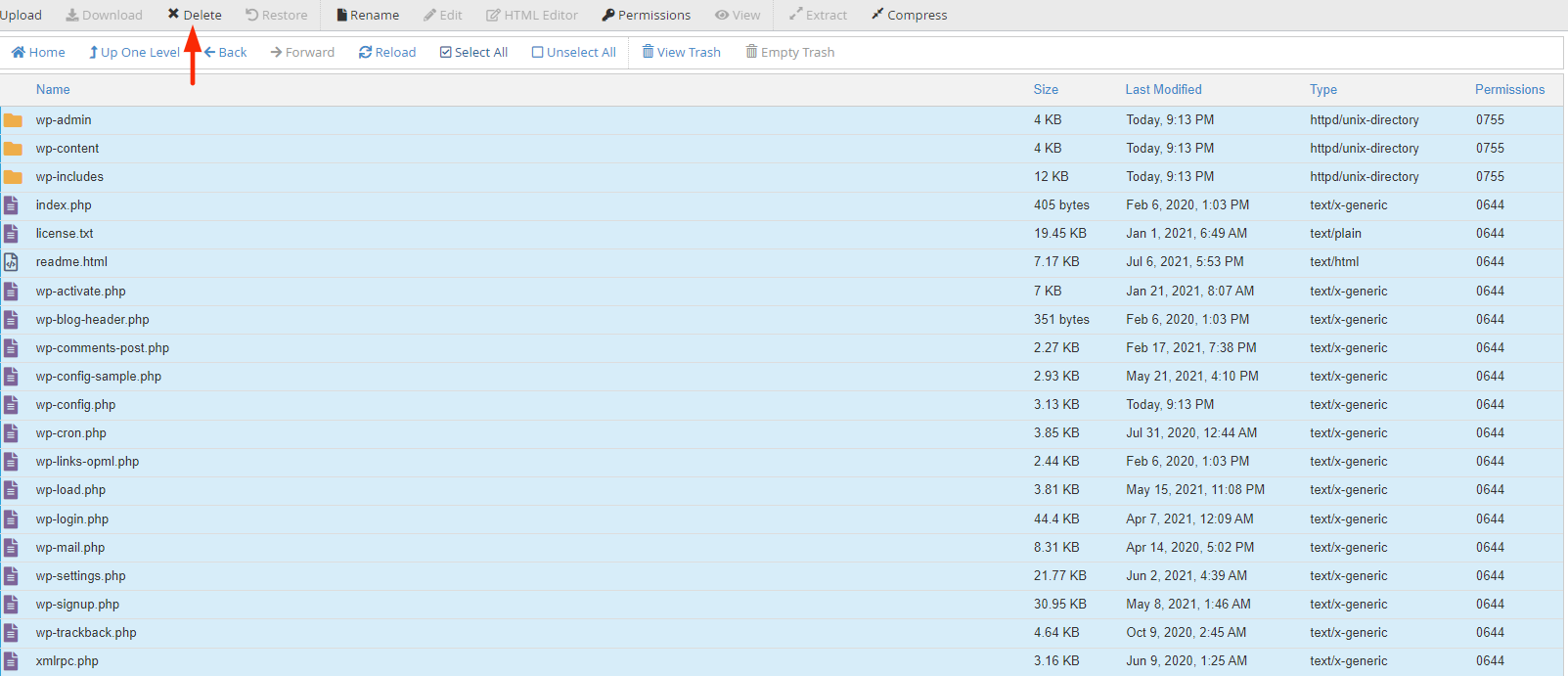
- Select "Select All" and click "Delete"
Note: If there are any existing sub-domains or addon domains, reach out to support@registerdomain.africa.
4.2.) Remove Old website files
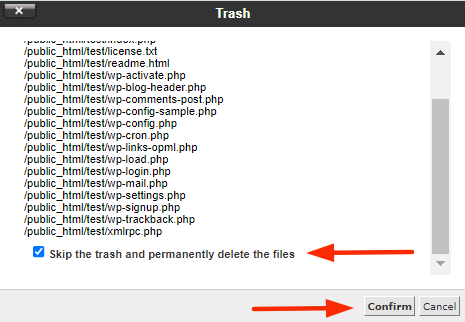
- Click "Skip the trash and permanently delete the files" option and then select "Confirm"
4.3.) Upload website files
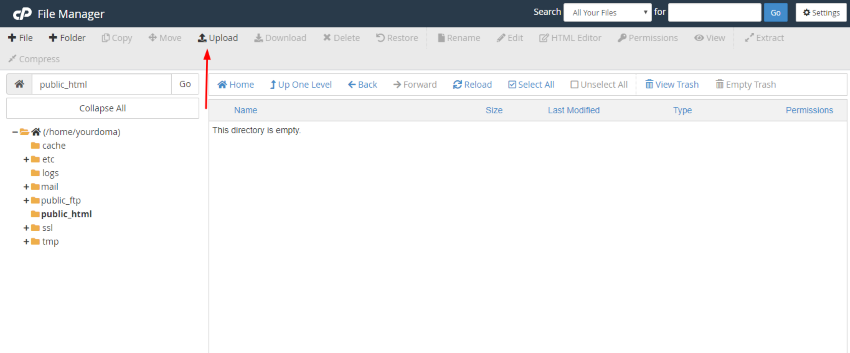
- Select "Upload" and import the intended website files.
4.4.) Return to "public_html"
- Once the import is completed select "Go back to /home/yourdoma/pubic_html"
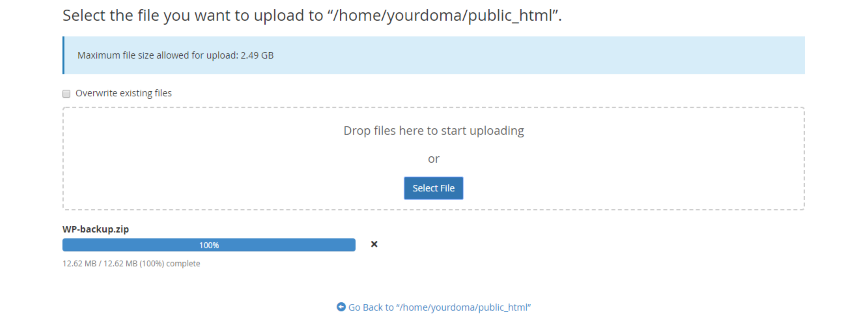
4.5.) Extraction of the website zip file
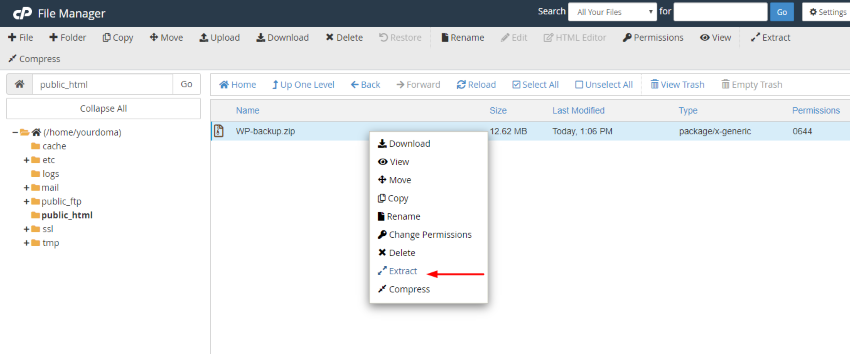
- Right-click on the file and select "Extract"