Note: If the previous host is cPanel based contact support@registerdomain.africa to explore the possibility of a server-side mail migration.
If the previous host in not cPanel based, kindly make use of the following steps (Use at your discretion)
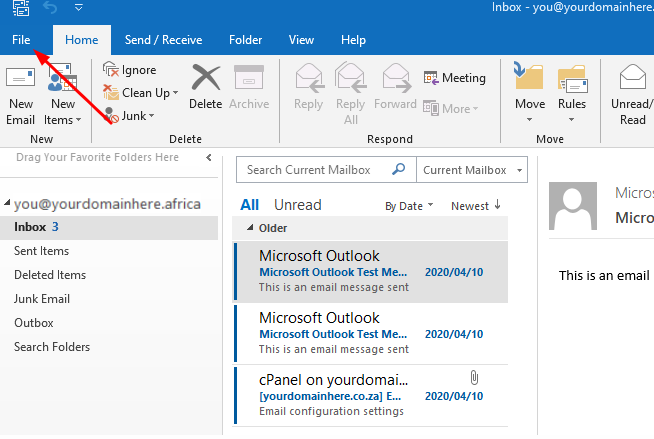
1.1.) Open your Outlook Application and navigate to your file tab
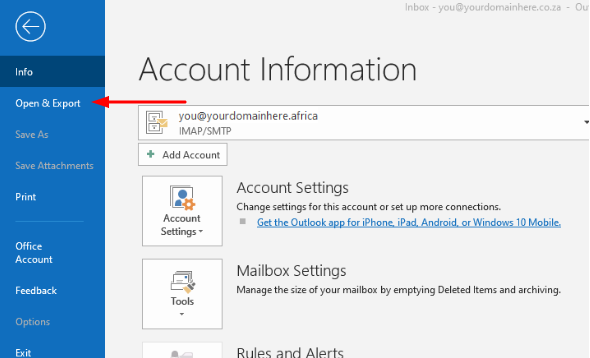
1.2.) Click on the "Open and Export" tab
1.3.) Select "Import/Export" option
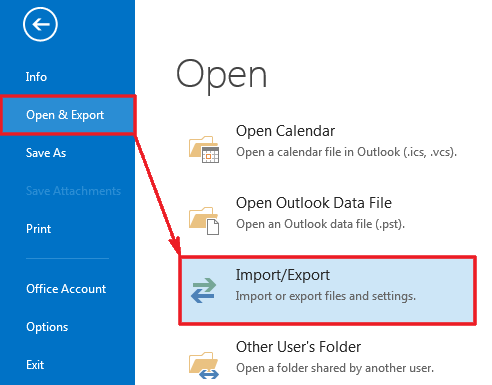
1.4.) Click on the "Export to a file" option
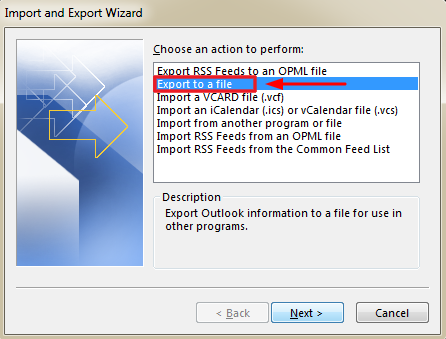
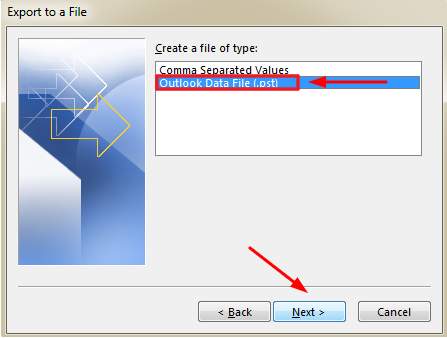
1.5.) Lastly, select "Outlook Data File (.pst)" and click on "Next"