
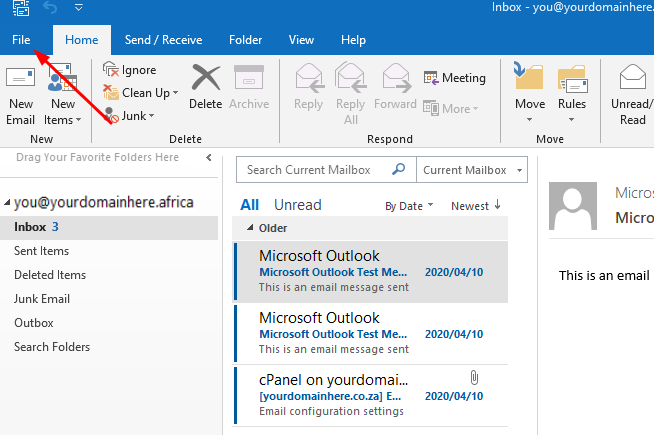
5.1.) In Outlook click on the "File" tab
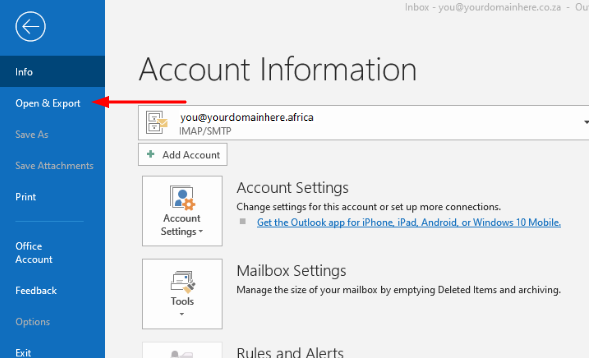
5.2.) Click on the "Open and Export" option
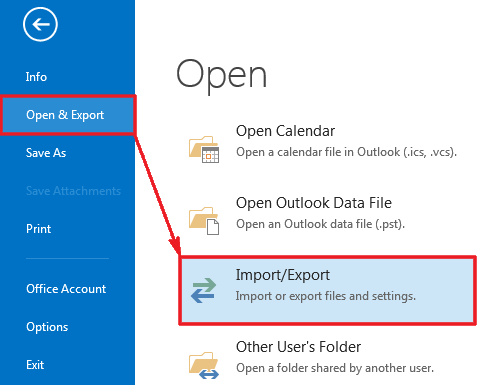
5.3.) Select "Import/Export"
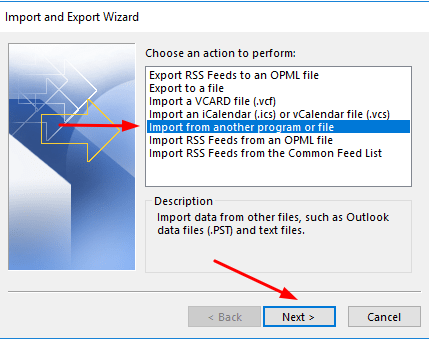
5.4.) Choose "Import from another program or file"
5.5.) Now choose the file type "Outlook Data File (PST)"
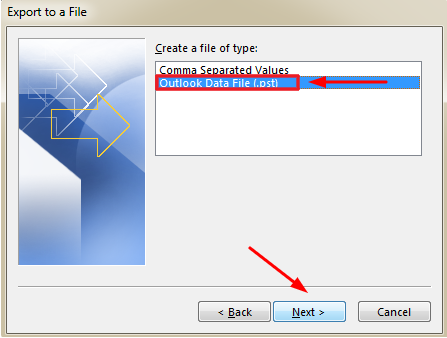
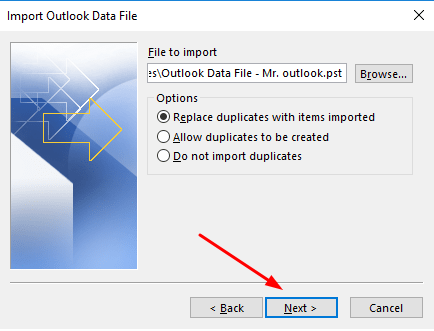
5.6.) Locate your PST in question by clicking on "browse", select "Replace duplicates with items imported" and then select "Next"
5.7.) Choose the entire Outlook Data File, then select "Import items into the same folder" and lastly specify the email address in question.
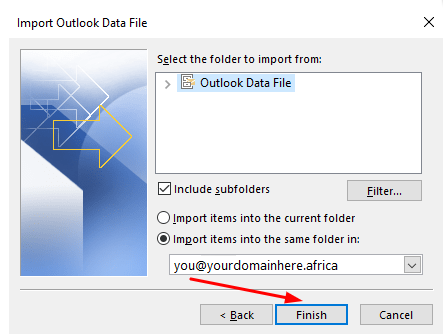
5.8.) You have now successfully completed your manual email migration!
